

LED colour legend
Meaning of the LED colours and lighting patterns on your WaterGuard
WaterGuard RefillWaterGuard LevelRoth Smart SteuerungGraf BlueLevel R
The LED indicator shows the current state of your WaterGuard. The table is grouped by colour and maps every lighting pattern directly to its meaning and recommended action.
Rainbow
| Signal | Meaning | Recommended action |
|---|---|---|
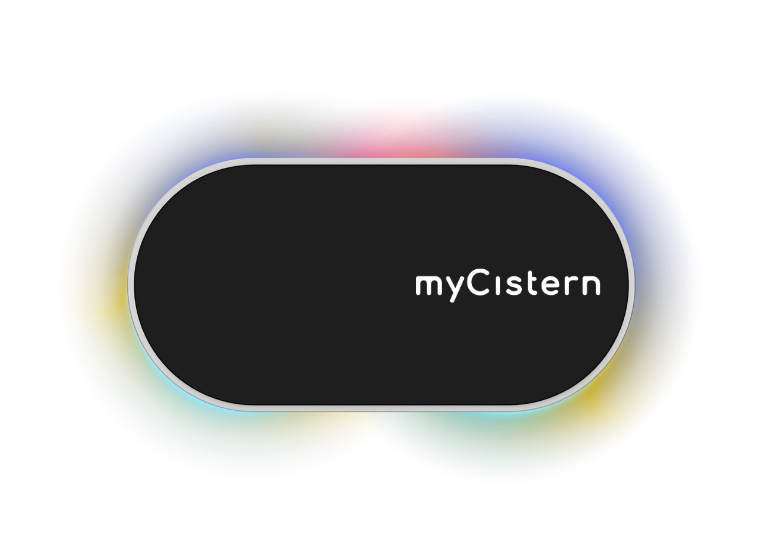 Rainbow pattern | Factory state; device ready for setup | Complete setup |
White
| Signal | Meaning | Recommended action |
|---|---|---|
 Entire ring pulsing | Recovery mode; Wi-Fi credentials deleted | Set up Wi-Fi again |
Green
| Signal | Meaning | Recommended action |
|---|---|---|
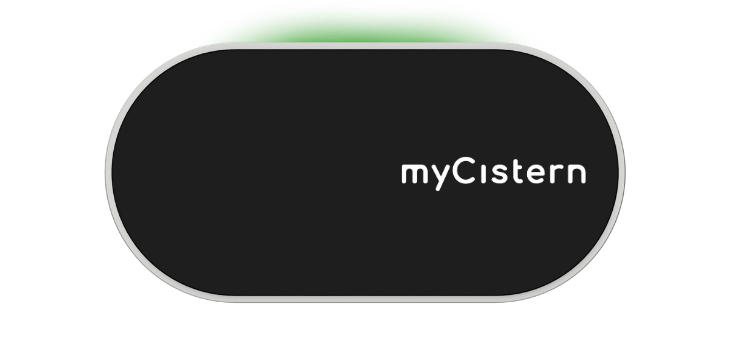 Light point on top | Filter is clean | No action required |
 Entire ring rotating | Successfully connected to the internet | Normal operation |
Orange
| Signal | Meaning | Recommended action |
|---|---|---|
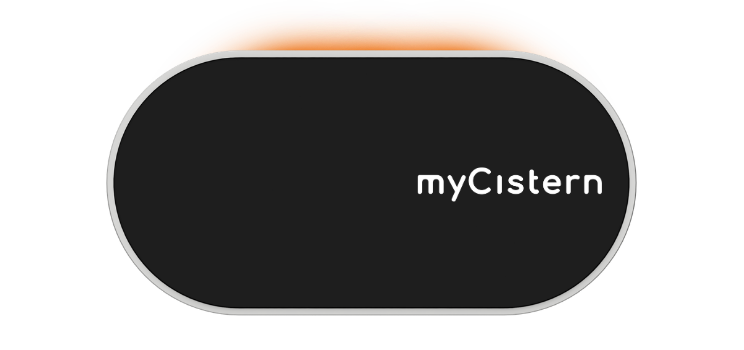 Pulsing on top | Filter reset expected | Clean the filter if needed and reset it in the app or dashboard |
Red
| Signal | Meaning | Recommended action |
|---|---|---|
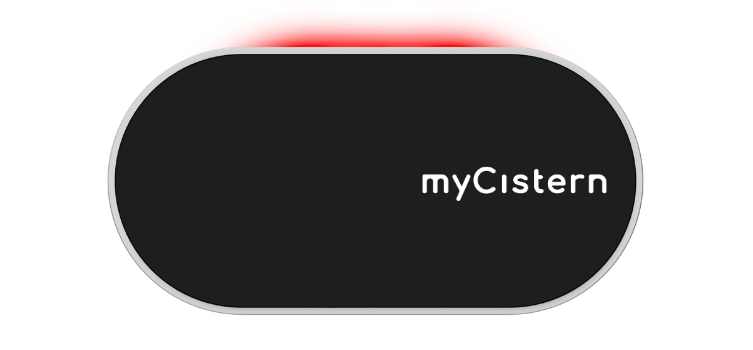 Pulsing on top | Dirt filter clogged | Clean the filter and reset the message |
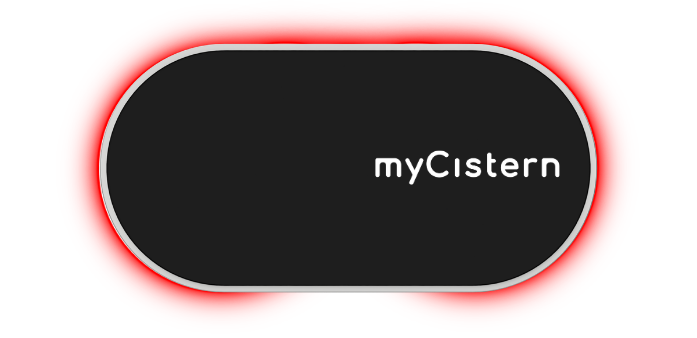 Entire ring pulsingEntire ring flashing | An error occurred | Check details in the app or dashboard |
| WaterGuard controller is being reset to factory settings | Wait for the device to restart and redo setup |
Blue
| Signal | Meaning | Recommended action |
|---|---|---|
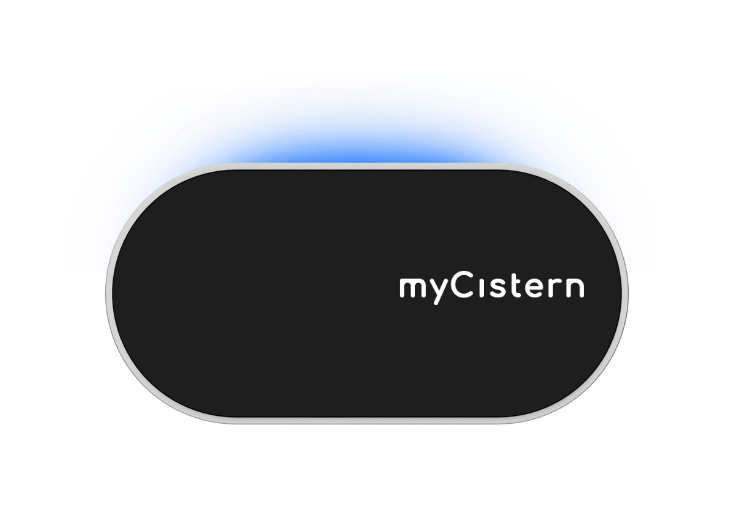 Moving point on top | Drinking-water top-up active (Refill only) | No action required |
 Side segments pulsingSide segments partially illuminated | No tank defined | Define a tank in the app |
| Current filling level in percent | No action required |
For a red signal, first check the details in the myCistern app. Find help with connectivity or sensor issues under Troubleshooting.