

LED colour legend
Meaning of the LED colours and lighting patterns on your WaterGuard
The LED indicator shows the current state of your WaterGuard. The table is grouped by colour and maps every lighting pattern directly to its meaning and recommended action.
| Colour | Signal | Meaning | Recommended action |
|---|---|---|---|
| Green | 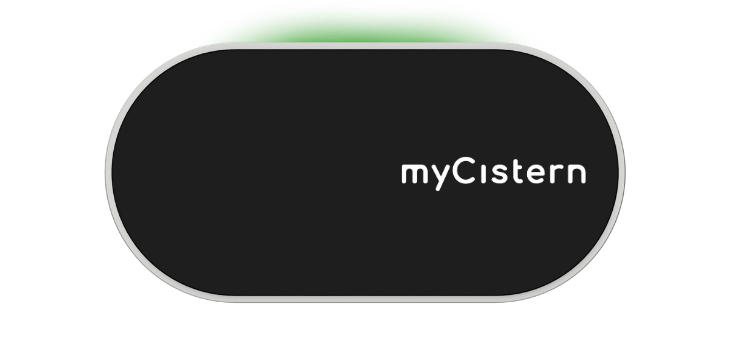 Light point on top Light point on top | Filter is clean | No action required |
 Entire ring rotating Entire ring rotating | Successfully connected to the internet | Normal operation | |
| Blue | 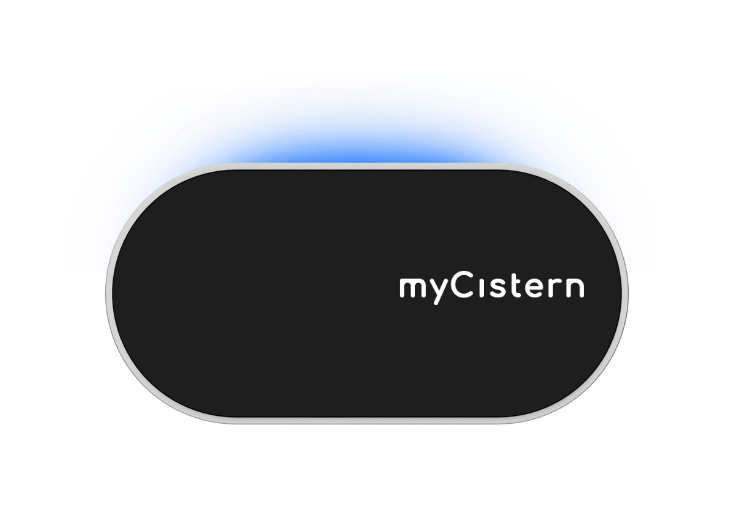 Moving point on top Moving point on top | Drinking-water top-up active (Refill only) | No action required |
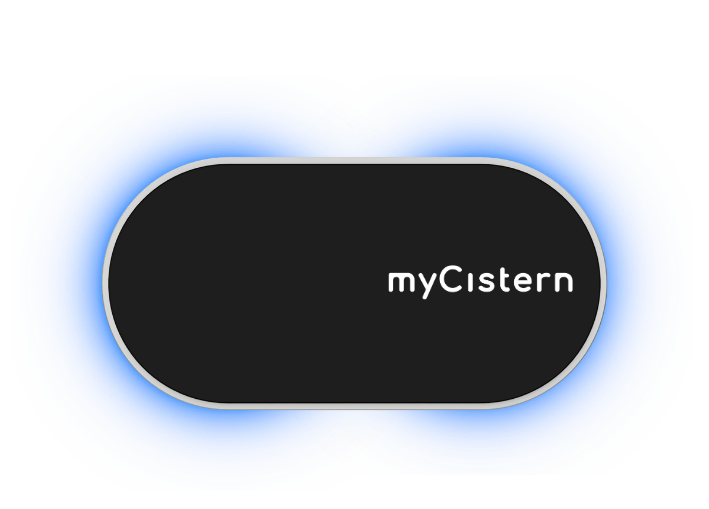 Side segments Side segments | No tank defined or current level in percent | Define a tank in the app if none is set | |
| Orange | 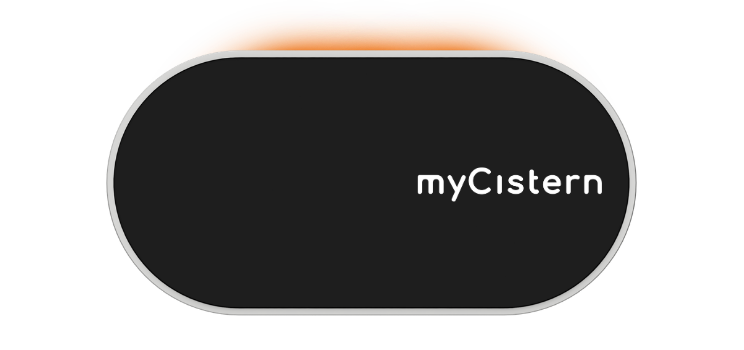 Pulsing on top Pulsing on top | Filter reset expected | Clean the filter if needed and reset it in the app or dashboard |
| Red | 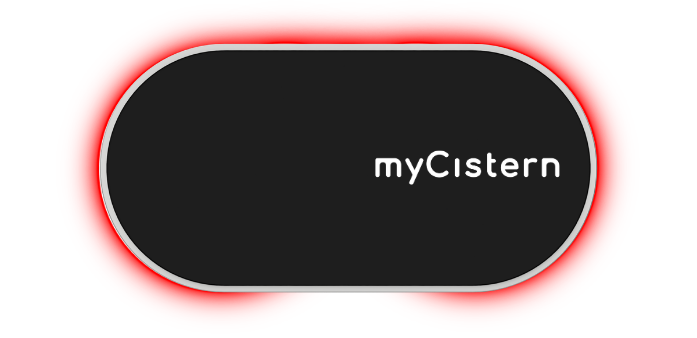 Pulsing on top Pulsing on top | Dirt filter clogged | Clean the filter and reset the message |
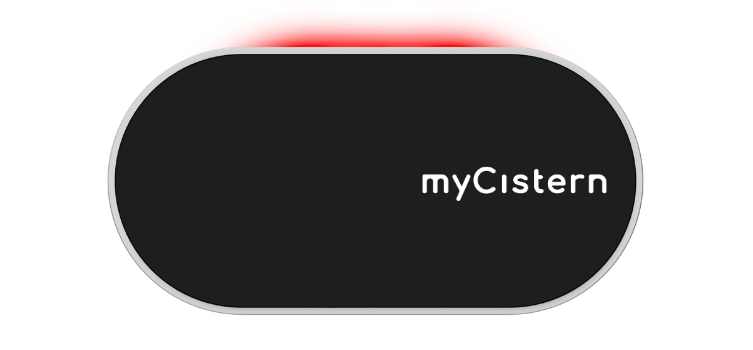 Entire ring pulsing Entire ring pulsing | An error occurred | Check details in the app or dashboard | |
| White |  Entire ring pulsing Entire ring pulsing | Recovery mode; Wi-Fi credentials deleted | Set up Wi-Fi again |
| Rainbow | 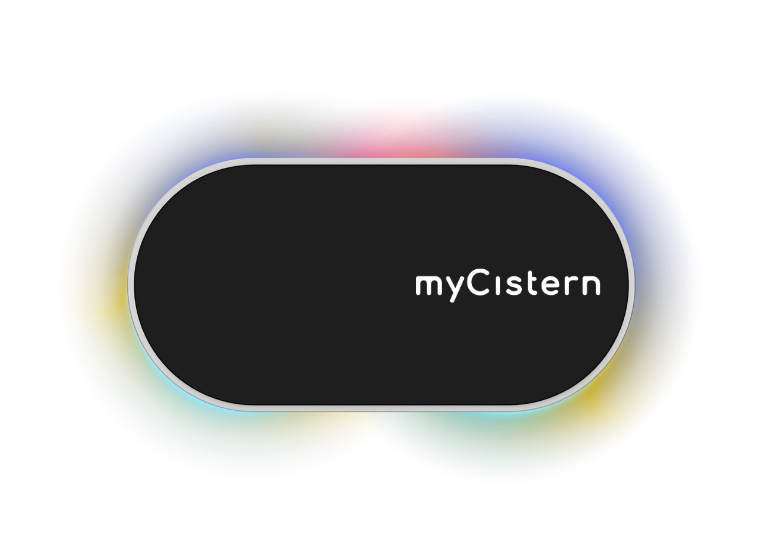 Rainbow pattern Rainbow pattern | Factory state; device ready for setup | Complete setup |
For a red signal, first check the details in the myCistern app. Find help with connectivity or sensor issues under Troubleshooting.